CRA Manage Balance for Businesses Goes Live
Owing the CRA money used to mean waiting on hold with a collections officer. As of Small Business Week 2026, business owners can handle payroll, GST/HST, and corporate tax debt entirely inside My Business Account — payments, payment plans, and callbacks included. Here is what the new Manage Balance for Businesses service covers and how to use it.

Small business owners who owe the Canada Revenue Agency money have a new option that does not involve calling collections. In its Small Business Week 2026 announcement (October 19–25), the CRA confirmed that Manage Balance for Businesses is now available in My Business Account — a self-service tool for dealing with business tax debt online.
The idea is simple: sign in, see what your business owes, pay what you can, set up a payment arrangement that fits your cash flow, or ask the CRA to call you back. No phone queues, no collections officer required for the basics. It builds on the Manage balance service the CRA launched in October 2025 for individuals with personal income tax or COVID-19 benefit debts of $1,000 or more — that same experience is now extended to businesses.
The headline facts.
What: Manage Balance for Businesses — new self-service in CRA My Business Account
When: announced October 20, 2026, during Small Business Week (Oct 19–25)
Who: business owners, including partners, directors, and officers
Debts covered: payroll, GST/HST, and corporate income tax (T2)
You can: make a payment, set up a payment arrangement, request a callback
What the New Service Covers
Manage Balance for Businesses lets you handle three kinds of business debt without contacting a collections officer: outstanding payroll deductions, GST/HST owing, and corporate income tax (T2) balances. Those three are the accounts that get most businesses into trouble, so the coverage is exactly where it matters.

Once you are in, the service offers three actions:
1. Make a payment toward an outstanding balance. Pay down what you owe directly, in full or in part. Combined with the new payment options the CRA added on October 9 — Apple Pay, Google Pay, and Konek — paying is easier than ever. Apple Pay and Google Pay support debit cards including Visa Debit and Debit Mastercard from participating institutions; Konek adds Interac Direct from chequing, savings, or line of credit accounts.
2. Set up a payment arrangement based on your business’s financial situation. If you cannot pay in full, you can structure instalments the business can actually afford. As with any arrangement, interest keeps accruing on the unpaid balance at the CRA’s prescribed rate while you pay it off — so treat the arrangement as breathing room, not a discount. And the golden rule still holds: file every return on time even when you cannot pay in full, because the late-filing penalty stops the moment the return is submitted.
3. Request a callback from the CRA. If your situation is too complicated for the self-service options, you can ask the CRA to call you back through a secure channel instead of sitting on hold.
Who Can Use It — and One Big Limitation
The CRA says the service is for business owners, including partners, directors, and officers. In practice, that means the person running the business signs in to My Business Account and manages the debt directly.
Important for accountants and bookkeepers.
Manage Balance for Businesses is not available through Represent a Client. Payroll professionals, accountants, bookkeepers, and other authorized representatives cannot use the service on behalf of their clients. If you are a representative, the CRA says you should advise clients who want these features to sign in to My Business Account and access the service directly themselves.
One more housekeeping point from the same announcement: if directors or officers join, leave, or change their details, corporations should update the CRA’s records right away. Outdated director and officer information can delay access to My Business Account, representative authorizations, and other services — exactly the kind of problem that blocks you from using tools like this one.
New Security: SIN Update Alerts on Business Accounts

Alongside the new service, the CRA has turned on email notifications for SIN updates on business accounts. Whenever your Social Insurance Number is added to or updated on a business account, the CRA now sends an email to the address on your T1 personal income tax account.
The point is fraud detection: if your SIN is attached to a business account you do not recognize, you want to know immediately. To make sure you actually get these alerts, keep the email address on your T1 account current. And if you ever receive a SIN-update notification you did not request and do not recognize, call the CRA’s Business Enquiries line: 1-800-959-5525 from Canada and the United States, 1-866-841-1876 from Yukon, the Northwest Territories, and Nunavut, or 1-613-940-8497 from outside Canada and the United States (collect calls accepted).
How to Use Manage Balance for Businesses
1 Sign in to CRA My Business Account. Use your CRA user ID and password, a Sign-In Partner (your online banking), or your provincial partner. This service is only inside My Business Account — not My Account, and not Represent a Client.
2 Open the Manage balance section. Find the new Manage Balance for Businesses area and review your outstanding payroll, GST/HST, or T2 balances, including accrued interest.
3 Choose your action. Make a payment now, set up a payment arrangement that matches your business’s financial situation, or request a callback from the CRA if you need help.
4 Stay on track. Keep every instalment, keep all future returns filed on time, and keep paying new balances as they arise. Missing arrangement payments can send your file right back to collections.
Three More CRA Updates From the Same Announcement
The Small Business Week release packs in more than the headline service. Three items worth knowing:
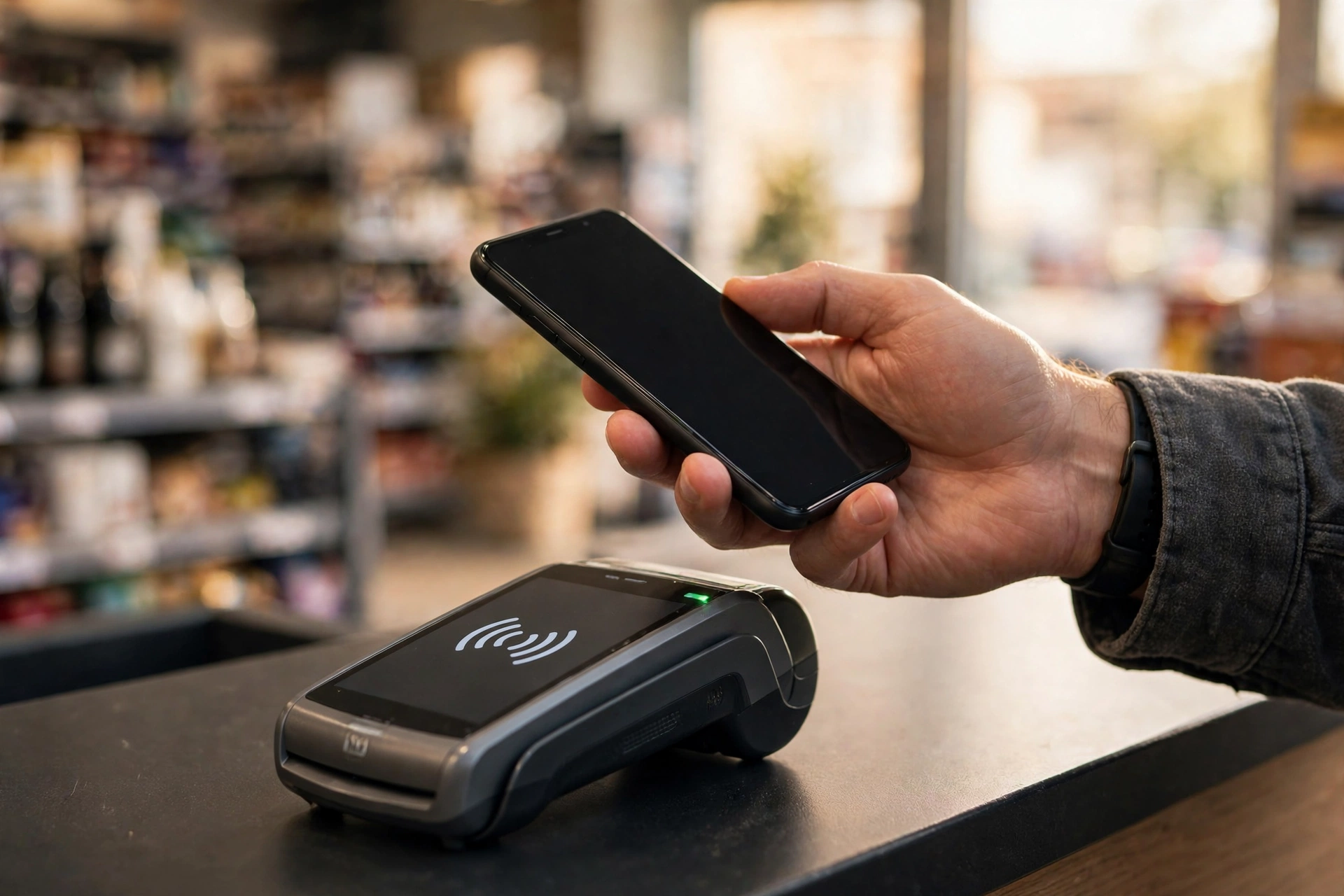
Optional authentication step for tax filing. For the upcoming tax season, the CRA is introducing an optional new authentication step to strengthen the security of online tax filing for individuals, authorized representatives, and tax preparers. You will sign in to your CRA account to complete it. It is optional, but the CRA says completing it verifies that you are filing or adjusting a return for yourself — or are authorized to do it for someone else — adding an extra layer of protection.
T2 Web Access Code online in minutes. Filing a T2 corporation return online just got easier: the CRA now offers a self-serve option to get your Web Access Code (WAC) in minutes, with no waiting.
2027 tax deadlines factsheet. The CRA released a factsheet highlighting 2027 tax deadlines for Canadian businesses and self-employed individuals — worth grabbing if you are planning ahead. Related reading: more CRA news and deadline guides at cralogins.com.
Frequently Asked Questions
What is Manage Balance for Businesses?
It is a new self-service tool inside CRA My Business Account, announced October 20, 2026. It lets business owners manage outstanding payroll, GST/HST, and corporate income tax (T2) debt online — making payments, setting up payment arrangements, and requesting CRA callbacks without contacting a collections officer.
Which debts does Manage Balance for Businesses cover?
Three types of business debt: outstanding payroll deductions, GST/HST owing, and corporate income tax (T2) balances. It does not replace the individual Manage balance service in CRA My Account, which covers personal income tax and COVID-19 benefit debts of $1,000 or more.
Can my accountant use Manage Balance for Businesses for me?
No. The CRA says the service is not available through Represent a Client, so authorized representatives cannot use it on behalf of clients. Business owners — including partners, directors, and officers — must sign in to My Business Account and use it directly.
Does interest keep accruing while I am on a payment arrangement?
Yes. Interest continues to accrue on the unpaid balance at the CRA’s prescribed quarterly rate while you work through an arrangement, which is why paying down the balance faster saves money even when a plan is in place.
Why is the CRA emailing me about my SIN on a business account?
The CRA now sends an email to the address on your T1 personal income tax account whenever your SIN is added to or updated on a business account. It is a fraud safeguard — it helps you spot unauthorized changes. Keep your T1 email current, and call the CRA Business Enquiries line if you get an alert you do not recognize.
What is the optional authentication step for tax filing?
For the upcoming tax season, the CRA is introducing an optional authentication step for online income tax and benefit return filing. Individuals, authorized representatives, and tax preparers will sign in to their CRA account to complete it, adding an extra layer of security that verifies the return is being filed by the taxpayer or someone authorized to file it.
Owe the CRA on Your Business Accounts? Check My Business Account Today
Manage Balance for Businesses lets you pay down balances, set up a payment arrangement, or request a callback — all without waiting on the phone.


