CRA Individual Login Guide
Need to check your tax returns and benefit payments? Your CRA individual login gives you secure access to this information and lets you manage your account online. You can sign in with a CRA user ID and password, your online banking details, or a provincial partner such as Alberta.ca Account or BC Services Card. Each method is safe and easy to use.
This guide explains what the CRA personal login is, how to access your CRA individual account online, what you can do after signing in, and how to fix common login problems.
New here? Start with our CRA account registration guide. Managing someone else’s account? Read our Represent a Client guide.
1. Choose your sign-in method
2. Sign in and verify
3. Manage your account online
What Is CRA My Account for Individuals?
The Canada Revenue Agency (CRA) lets individuals open a personal online account called My Account. Think of it as your personal tax office.
You can manage your tax details, update your direct deposit, set up payment plans, read your CRA mail, and check your RRSP deduction limit online, without paperwork or going to a CRA office.
With My Account, you can:
- Manage your tax details
- Update your direct deposit
- Set up payment plans
- Read your CRA mail
- Check your RRSP deduction limit
Who Can Use a Personal CRA Account?
- Individuals with a valid Social Insurance Number (SIN)
- People in Canada who want to manage their tax affairs online
- Anyone with a valid CRA sign-in method
- Individuals who can complete the identity verification process
What You Need Before Signing In
Before you sign in to your CRA individual account, make sure you have access to the sign-in method you used when setting up your account.
You may need:
- Your CRA user ID and password, if you use the CRA credential method
- Your online banking login details, if you use a Sign-In Partner
- Your BC Services Card or Alberta.ca Account, if you use a provincial partner
- Your mobile device or other method for multi-factor authentication (MFA), if required
If you do not have a CRA account yet, you need to register first.
See our CRA Account Registration guide for the complete registration steps.
How to Log In to Your CRA Individual Account
Go to the official CRA sign-in page.
Choose your preferred sign-in method.
Enter the required login details for that method.
Complete multi-factor authentication (MFA) if requested.
Select your individual account or My Account.
After verification, you can access your CRA personal account.
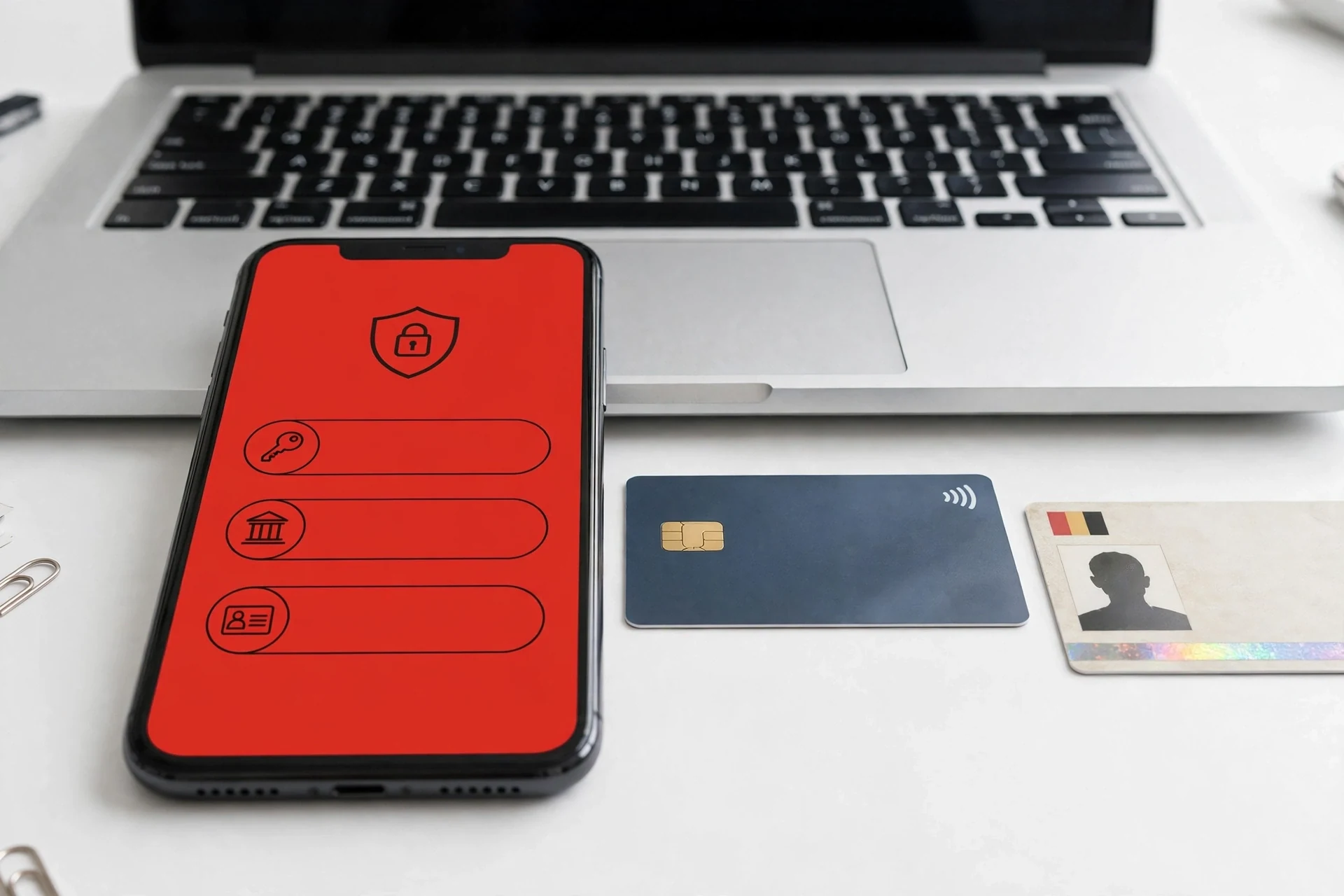
The CRA offers three main sign-in methods: a CRA user ID and password, a Sign-In Partner through online banking, or a provincial partner for eligible residents of British Columbia and Alberta.
CRA Individual Login Methods
You can access your CRA individual account using any of these sign-in methods.
CRA User ID and Password
If you registered for a CRA user ID and password, select this option on the CRA sign-in page. Enter the user ID and password you created during registration and complete any additional security verification requested by the CRA.
If you forget your password, use the Forgot your password? option to recover access. Our Forgot CRA login guide walks you through it.
CRA Sign-In Partner Login
You can also sign in through a participating Canadian financial institution. Select Sign-In Partner, choose your bank or credit union, and enter your existing online banking credentials.
Your banking credentials are entered on your financial institution’s website, not shared with the CRA.
Provincial Partner Login
Residents of British Columbia and Alberta can use a provincial partner to access CRA services.
Depending on your province, you can sign in with:
- BC Services Card
- Alberta.ca Account
Select Provincial partner (BC, AB) on the CRA sign-in page and choose the provincial service you use.
What You Can Do After Logging In to My Account
After you sign in, your personal dashboard lets you manage almost everything related to your taxes.
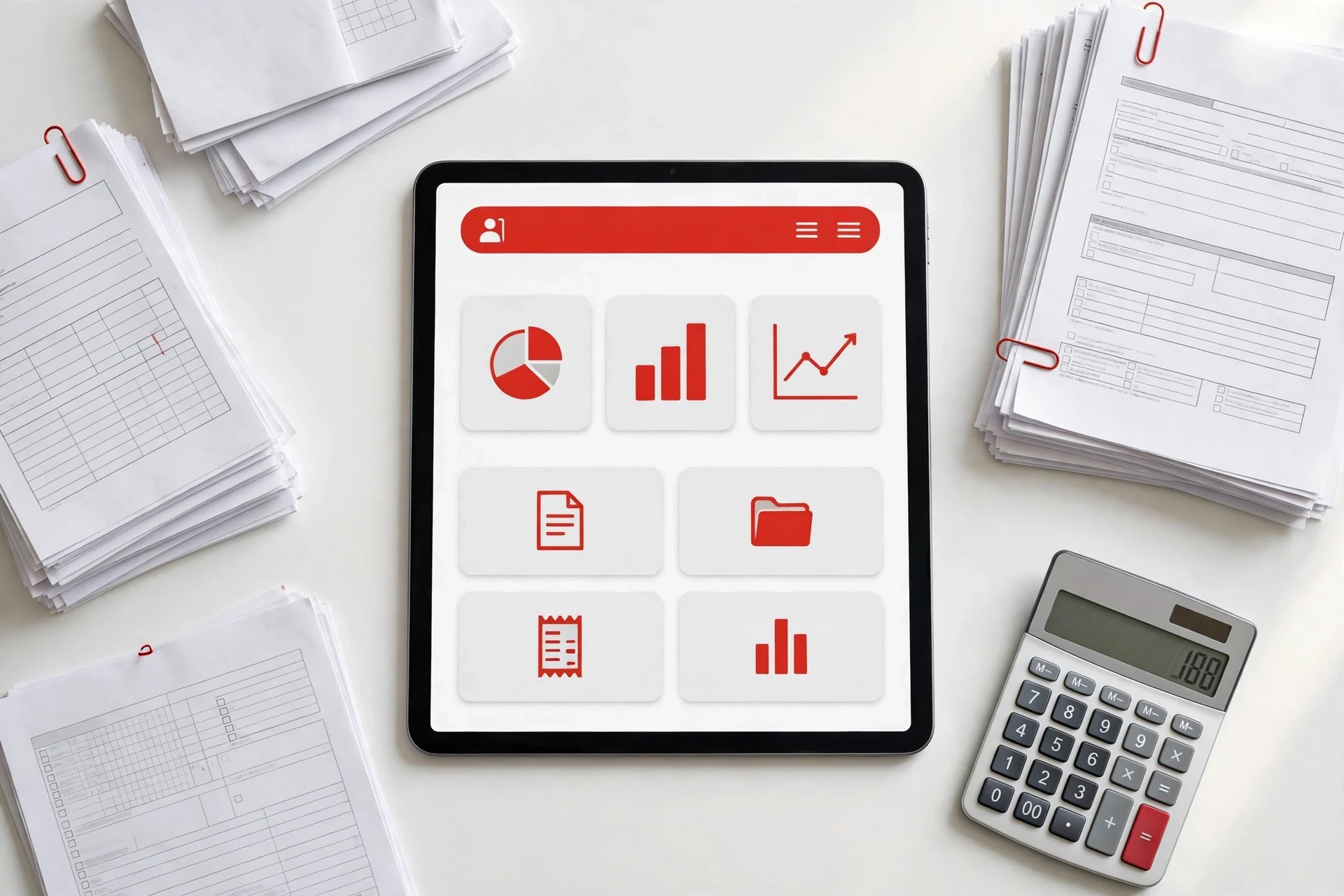
You can:
- View your notices of assessment
- Check your tax details
- Track your refund and view your RRSP deduction limit
- See your installment schedule if you pay tax in installments
- Check your account balance and transactions
- Make payments and set up payment plans
- Upload documents when the CRA asks for them
- Check the status of your benefit and credit payments
- Update your mailing address and other contact details
- Add or update your email address
Can You Check EI in My CRA Personal Account?
No. You cannot manage your EI claims and benefits in CRA My Account. To check your EI, CPP, and OAS information, use My Service Canada Account, which is a separate Government of Canada service provided through Service Canada.
CRA Online Mail Login: How to Access Your CRA Mail
Tired of waiting for CRA letters to arrive in your mailbox? With CRA online mail, many of your letters are delivered straight to your My Account instead.
There is no separate CRA mail login. You use the same sign-in method you registered with, and your mail is waiting inside My Account.
How to View Your CRA Mail
Sign in to your CRA personal account.
On the My Account overview page, click View Mail.
Open any letter to read it.
Print or download a copy if you need one.
How to Get Email Notifications for New Mail
The CRA does not put your letter inside the email. It only sends a short email telling you that new mail is ready to view in My Account. To turn this on:
Sign in to My Account.
Under Related services, select Notification preferences.
Enter your email address and follow the steps.
Watch your inbox for a confirmation email from the CRA.
You can also manage online mail in the MyCRA mobile app.
CRA Individual Login Not Working? Common Problems and Fixes
Incorrect login details
Make sure you enter the correct details for the sign-in method you chose when you registered. If the problem continues, clear your browser cache, reload the page, wait a few seconds, and try again.
CRA services temporarily unavailable
Sometimes the CRA service is down because of maintenance or technical issues. Wait a few hours, then try to sign in again.
Account information not showing
If you sign in but cannot see your tax and personal details, try again later. Some information takes time to update.
CRA account locked
Your account may be locked after too many wrong login or MFA attempts. If you are only temporarily locked out, wait a few minutes and try again with the correct details. If the problem continues, follow the recovery steps on the CRA’s locked account page or contact the CRA.
Forgot your password or user ID? Read our Forgot CRA login guide.
How to Keep Your CRA Account Secure
- Avoid signing in on public or shared devices.
- Use a strong and unique password if you use the CRA user ID and password method.
- Always sign out when you finish.
- Turn on multi-factor authentication (MFA) for extra security.
- Never share your CRA security code with anyone.
Conclusion
The CRA individual login gives you access to your personal tax information, benefits, CRA mail, and other account services online. You can sign in with a Sign-In Partner, a CRA user ID and password, or an eligible provincial partner.
If you do not have a CRA account yet, register first and then use your preferred sign-in method to access My Account. If you have trouble signing in, the troubleshooting steps above can help you identify and fix common CRA login problems.
More CRA Guides
CRA account registration guide
Register for a CRA account, prepare what you need, and verify your identity.
Forgot CRA login?
Reset your password, recover your user ID, or regain access to your account.
Represent a Client
Manage a CRA account on someone else’s behalf as an authorized representative.
Ready to access your CRA account?
Choose your sign-in method, then continue on the official CRA website.
This guide is independent and is not affiliated with the Canada Revenue Agency. Always sign in at canada.ca. Read our Disclaimer or contact us.


